01
Text · Design
Design assistant
Ask it to compare two courtyard options, explain a junction, or pressure-test a brief. It answers in words and points back to the part of the model it used.
Panel exists
BArch Ai is a design agent for architecture, engineering, and construction. It works inside BArch AUKER — reads the model, holds the constraints, and answers with drawings, images, and a straight opinion.
Not autopilot.
A thinking partner.
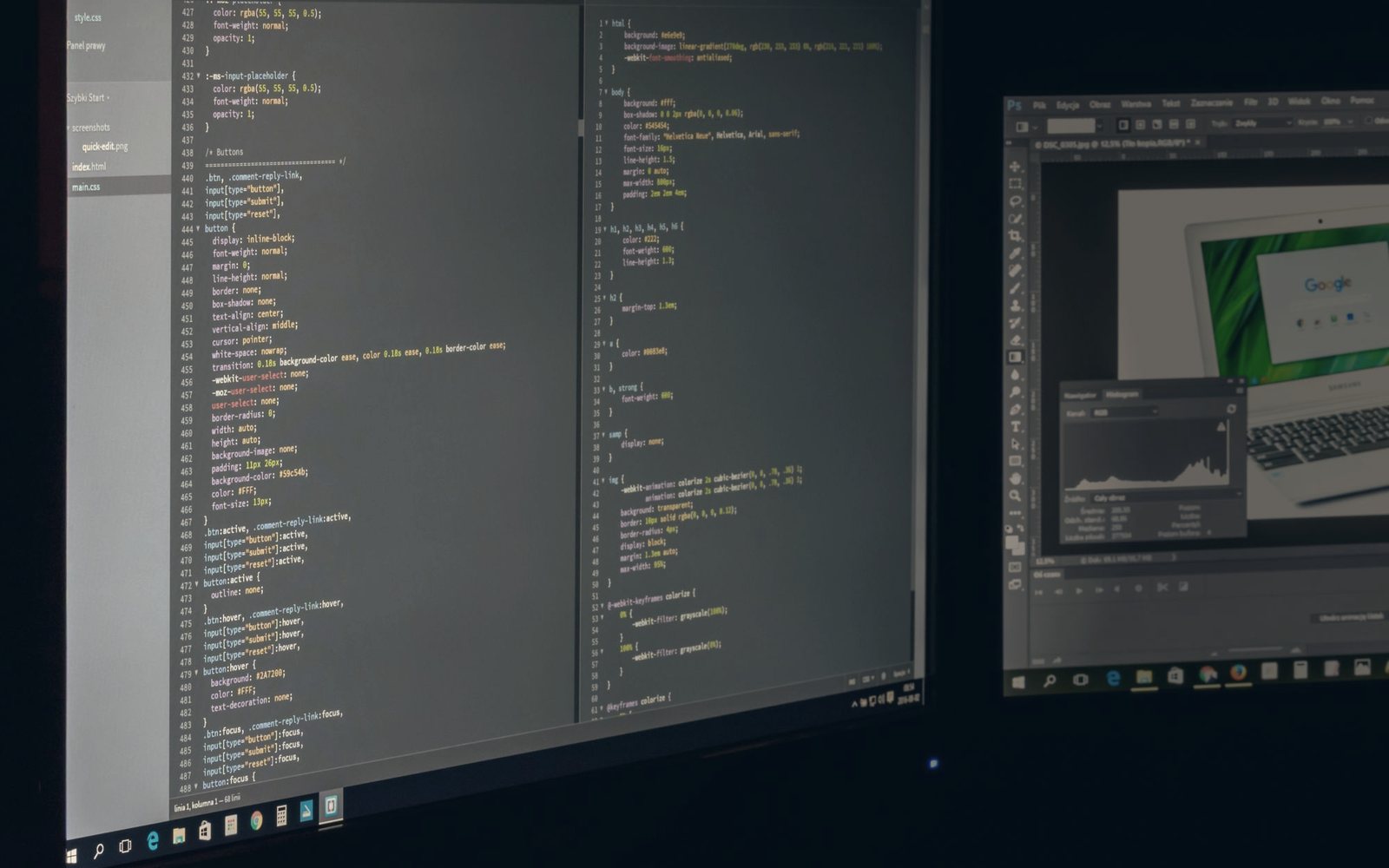
BArch Ai is an agent for the whole building, not just the picture of it. It sits beside the model in AUKER and works from the actual geometry, levels, rooms, and constraints — so a question about a courtyard, a stair, or a cost line starts from the project, not from a blank chat box.
It can compare options, produce concept images and short videos, review a drawing, research codes and precedents, and write the short report afterwards. It is deliberately a collaborator: it proposes, explains, and records. The professional judgement stays with the architect or engineer.
Each agent has one job. Text, image, video, and vision — the registry is defined; the connected service is not.
Ask it to compare two courtyard options, explain a junction, or pressure-test a brief. It answers in words and points back to the part of the model it used.
Turn a model view or a sketch into a presentation image. Material studies, light tests, and atmosphere — at concept speed, before a render is worth the time.
Give one still image a few seconds of motion for an early client conversation. A quick sense of movement and life — not a simulation, not a final film.
Read a render or a drawing back. Spot missing labels, unresolved junctions, and the details a tired eye skips before the set goes out.
BArch Ai is not one screen. It is five connected workspaces inside the suite — one for the conversation, four for the work around it. Only the first has a panel in the current desktop port.
Ask, context, history, prompts, saved reuse.
Codes, standards, and precedent studies.
Analyse, detect, and extract from images.
Briefs and constraints for option generation.
Project notes, decisions, and issue summaries.
BArch Ai is one workspace inside BArch AUKER, our AEC suite. That matters: the agent can work from the same 2D plan, 3D model, rooms, levels, and cost data the rest of the studio is using — instead of asking you to upload the project again.
AUKER 0.1.0 is a Windows desktop port with 12 working surfaces out of 54 planned workspaces. The Ai panel is present; the service behind it is not. This page documents the design honestly rather than pretending the connection exists.
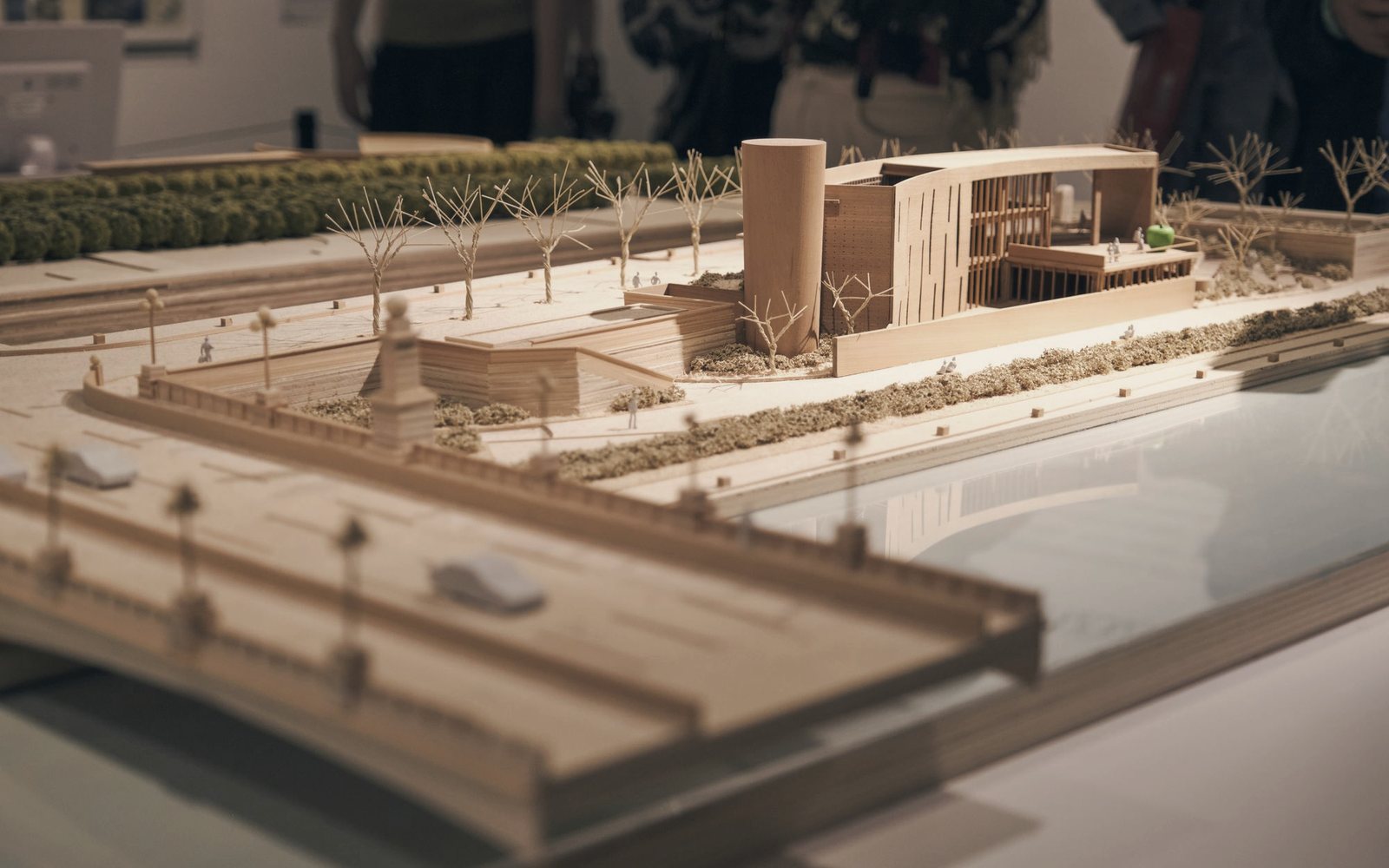
What the agent may do, what it may not, and where the professional signature still goes.
Options, images, and text are drafts for a designer to accept, reject, or redraw. Responsibility for the building, its compliance, and its sign-off stays with the licensed professional.
Answers about regulations are research leads, not authority. Verify against the current local code and the authority having jurisdiction before anything is built or issued.
Areas, quantities, and cost suggestions are aids, not certified take-offs. They follow the model you give them — including any mistake in it.
The current AUKER port has no account, credit, or model service. No project data leaves the machine because no call is made. When a service arrives, this page will say exactly what it sends and where.
BArch Ai is a prototype inside an unreleased AUKER alpha. There is no installer, no account system, no credit system, and no hosted model service. When a build is ready it will go to the early-access list first.
The honest list, kept on the page instead of in a launch post. These are the gaps between the prototype you can read about here and a tool a studio could rely on.
A connected model service. The panel exists; no model is called.
Accounts, credits, usage limits, and terms for a hosted service.
Project-aware context: reading the live AUKER model and keeping a conversation attached to it.
The four other AI workspaces — Research, Vision, Generative, Reports — built beyond design.
Saved prompts, reusable agent presets, and a project history that survives a restart.
An AUKER installer, code signing, auto-updates, and a supported Windows release.
A web surface and a mobile companion, so the agent can follow the project off the desk.
BArch Ai is one product in the BArch Store, beside AUKER, the Store itself, Studio, Fieldnote, and Datum. Every one is designed and built in-house; none has a public download yet.